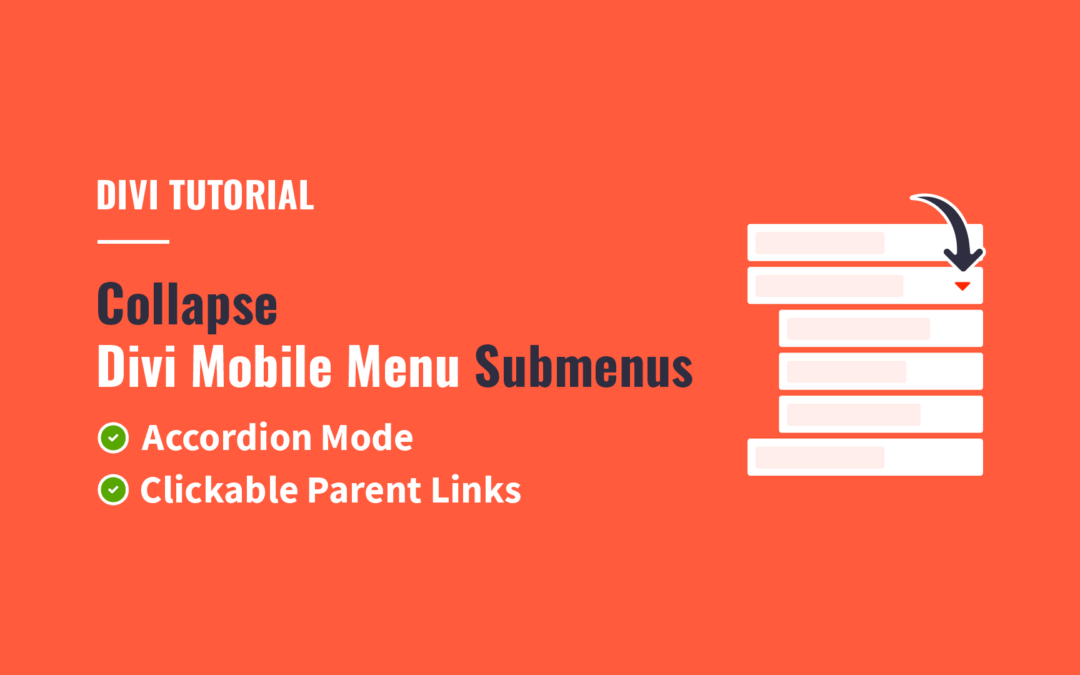
How To Collapse Divi Mobile Menu Submenus And Keep Parent Links Clickable On Mobile
In this tutorial I’ll show you how to collapse Divi mobile menu submenus and keep the parent item links clickable or disable them on mobile.
In this tutorial I’ll show you how to collapse Divi mobile menu submenus and keep the parent item links clickable or disable them on mobile.
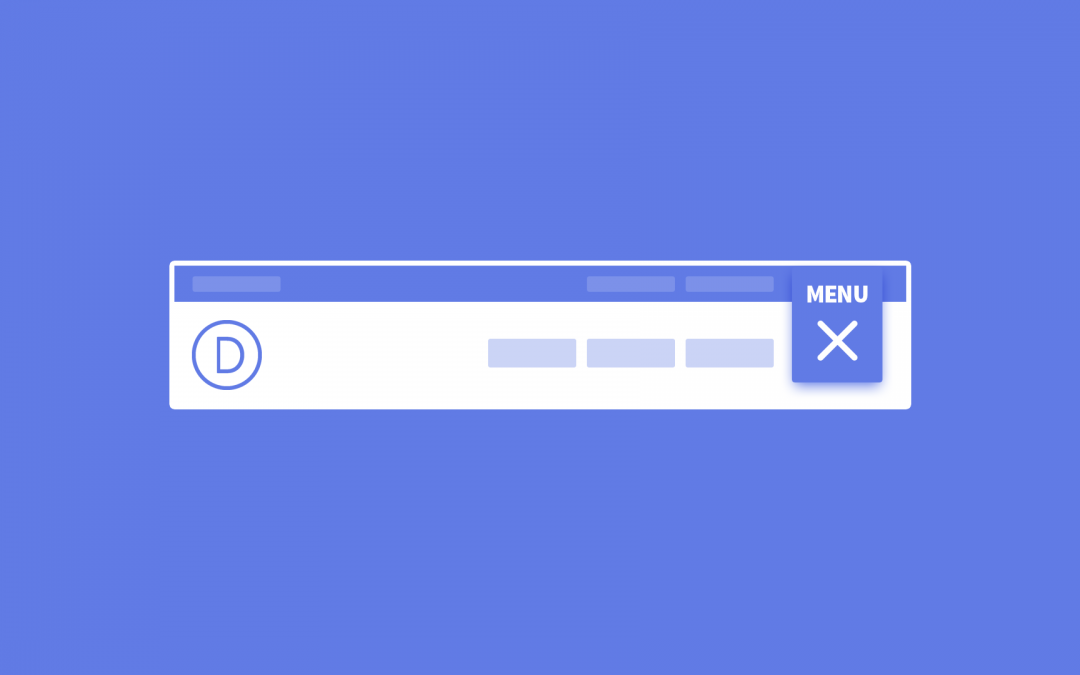
In this tutorial I’ll show you how to create a button that allows the website visitors to show/hide Divi navigation bar with a click. Works for both the desktop and mobile header bars.
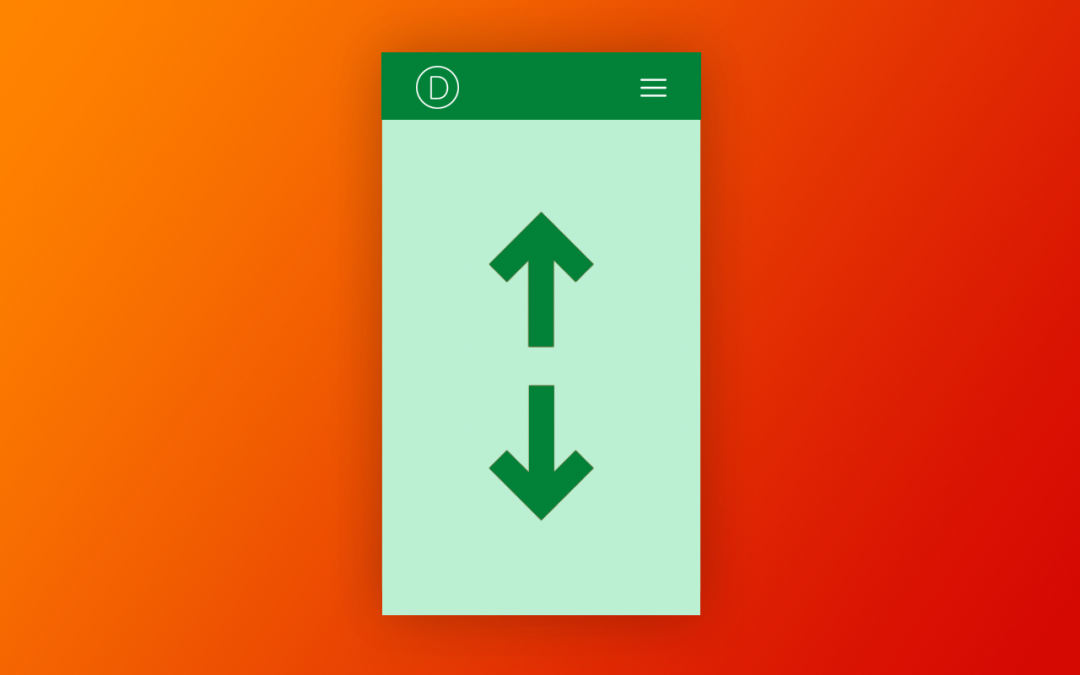
In this tutorial I’ll show how to show/hide Divi header bar depending on page scroll direction. The header will hide while the page is being scrolled down, and will show up only when the page starts scrolling up.

In this tutorial I show how to create a Divi CTA section expanding on scroll like the one on the Elegant Themes website. The JSON file of the section is available for FREE downloading.
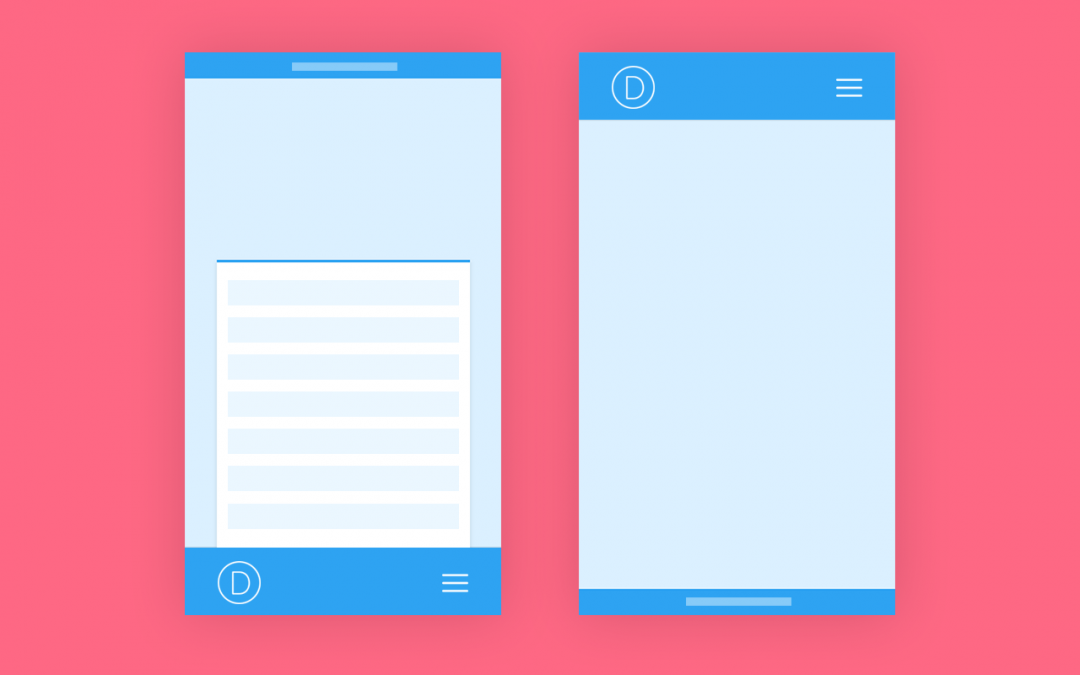
In this tutorial I show how to move the Divi mobile menu bar to the bottom of the screen using CSS only. The provided CSS snippets allow you to implement four different positioning scenarios.
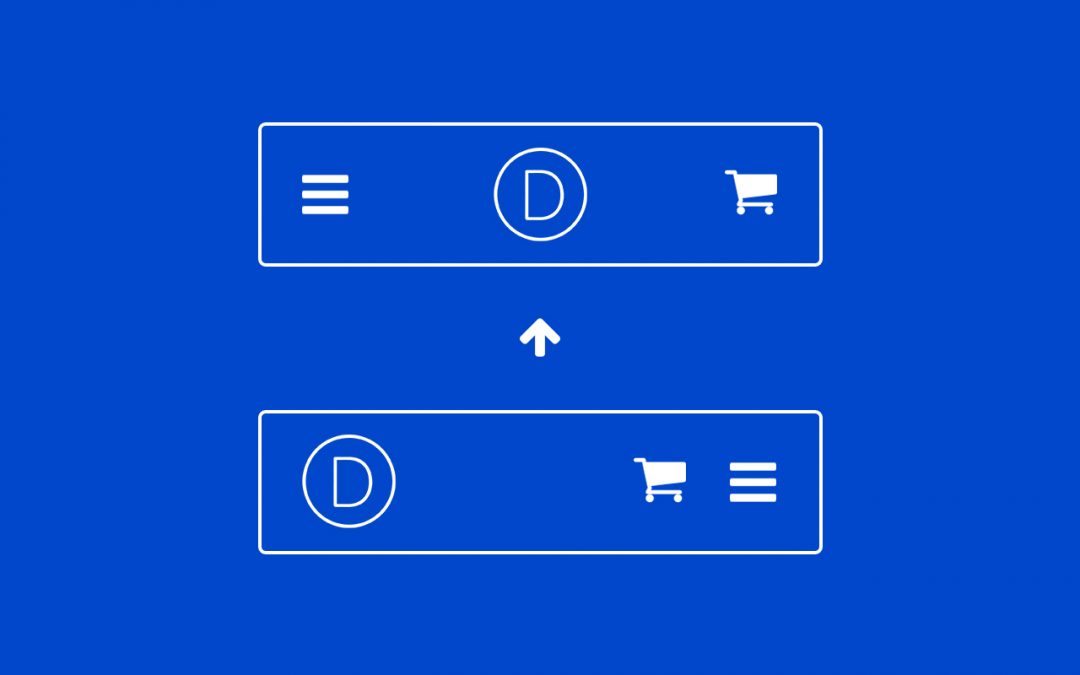
In this tutorial I’ll show you how to customize Divi mobile menu bar to ensure your site offers an improved user experience on small screens.
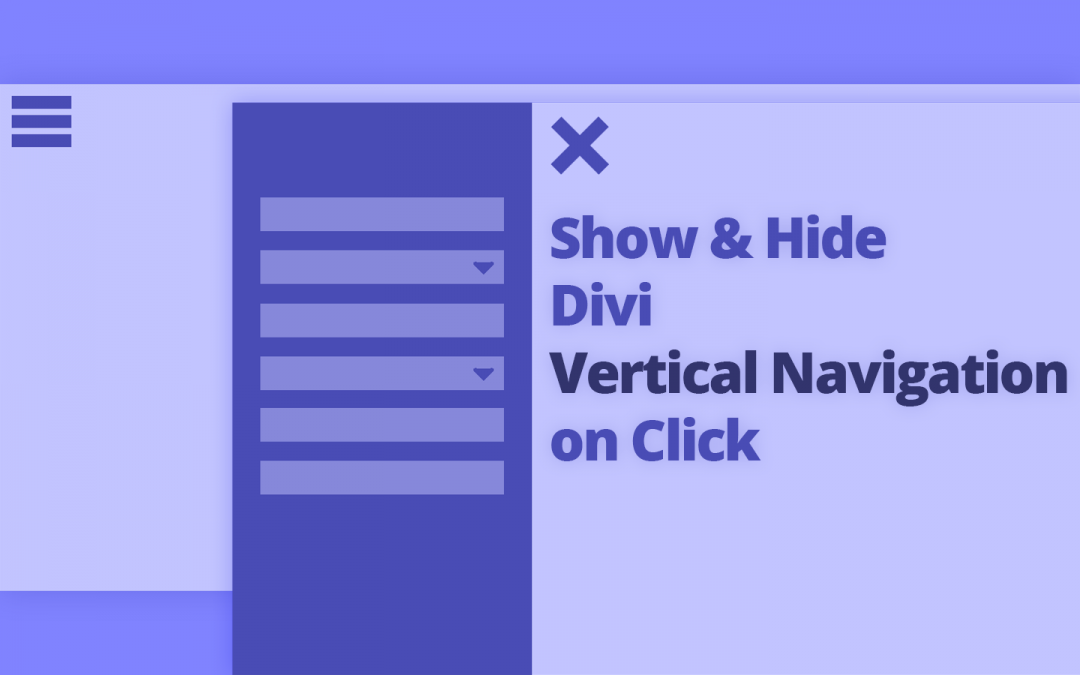
In this tutorial we will learn how to show/hide Divi Vertical Navigation on click. This trick works for all three Divi header formats having the Vertical Navigation option: the Default, Centered and Centered Inline Logo headers. By default the vertical navigation…
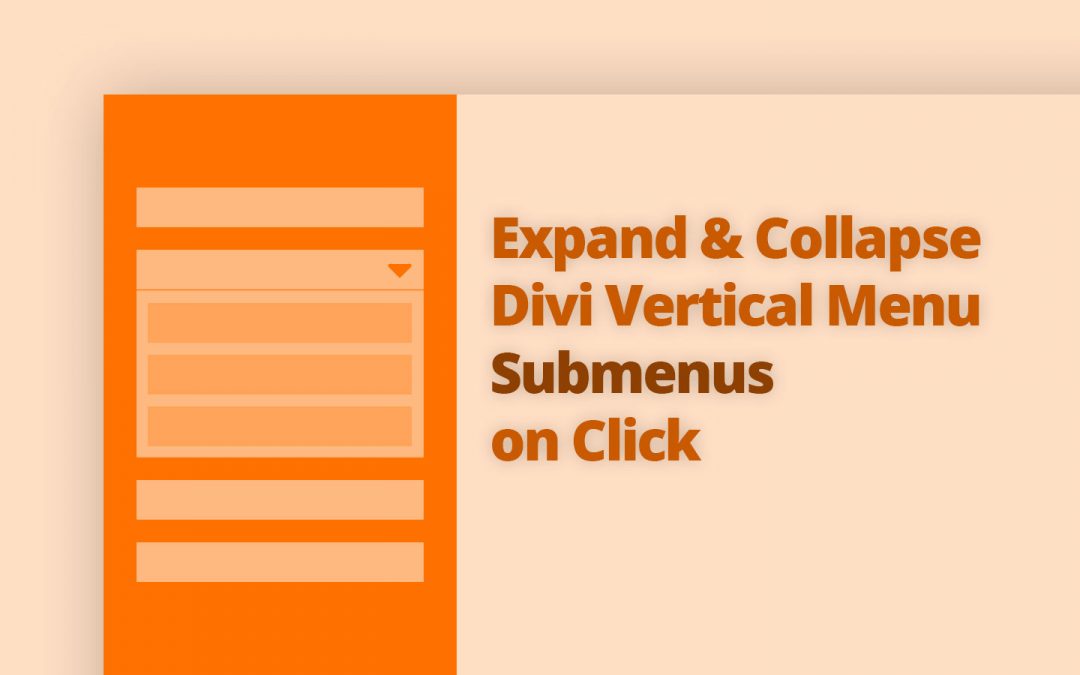
In this tutorial we are going to change the way the Divi Vertical Menu submenus appear on desktop. By default the submenus show up when you hover over the parent menu item and if there are multiple submenu levels then the lower level submenu appears to the left or to…
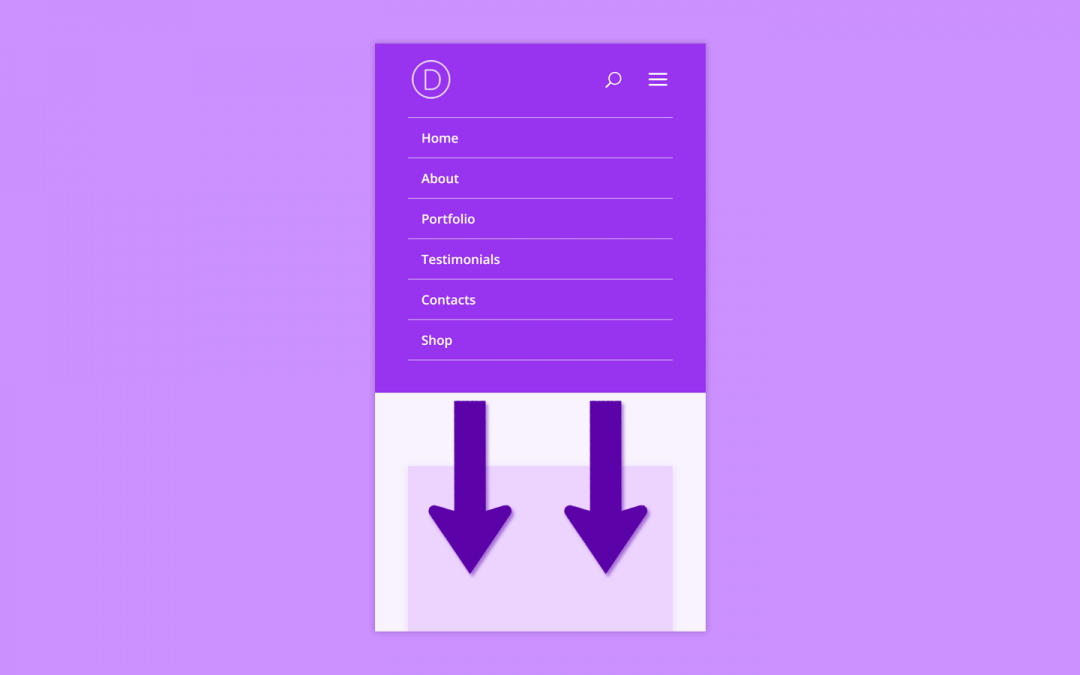
In this tutorial we are going to make the Divi mobile menu push the page content down when the menu is opened. This effect can be implemented for the Default, Centered and Centered Inline Logo header formats using CSS only.

In this post I will show how to make a Divi button with broken border. We will use pseudo elements and CSS with a bit of jQuery to achieve the desired result.