Creating a Divi MadMenu Header. Part 4: Slide-In Social Icons
In this tutorial we’ll add the slide-in social icons to the header which will be sliding in from left when the user clicks the social networks button.

In this tutorial we’ll add the slide-in social icons to the header which will be sliding in from left when the user clicks the social networks button.
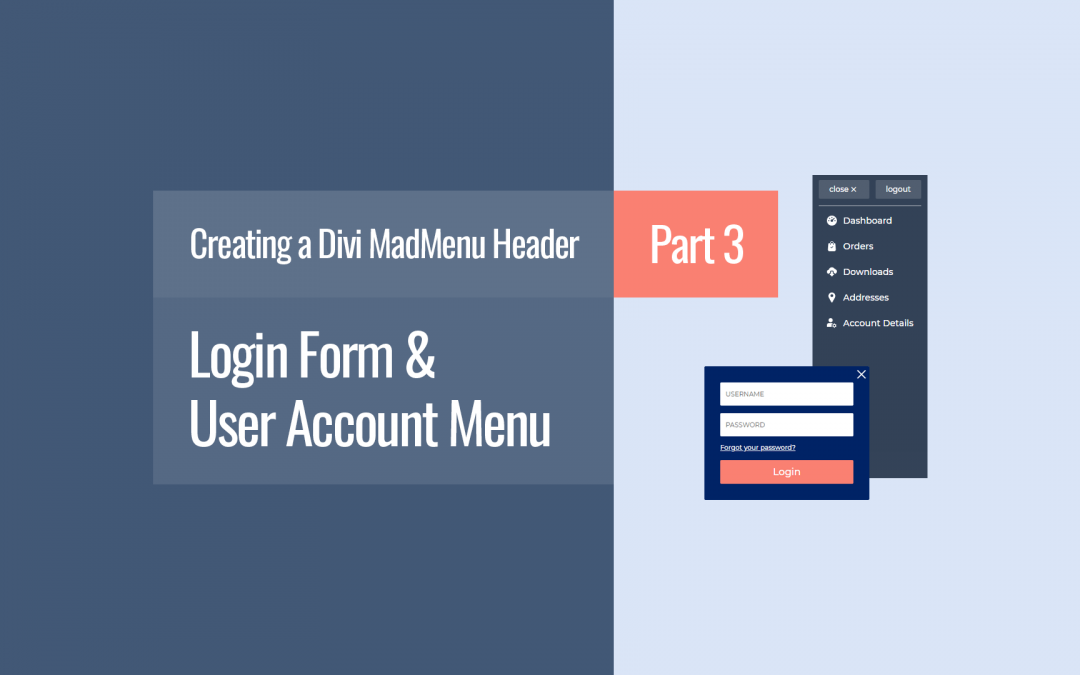
In this tutorial we create the Divi MadMenu header login form for users to log in, as well as the user account menu with the logout button.
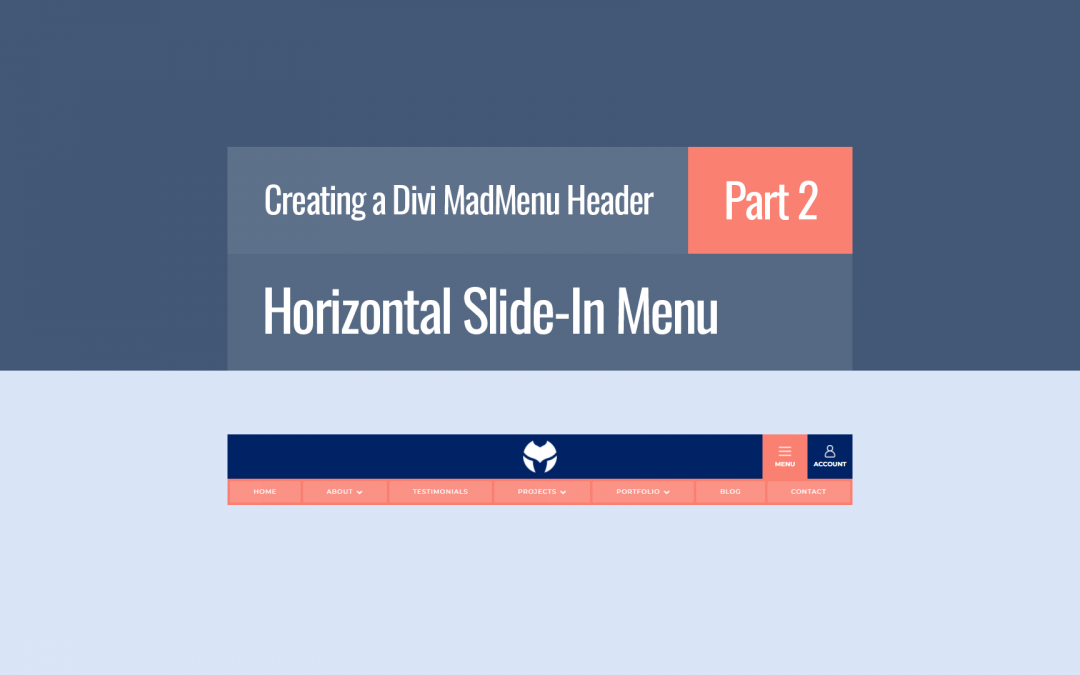
In this tutorial we’ll be creating the horizontal slide-in menu which slides in from top when the user clicks the Menu button.
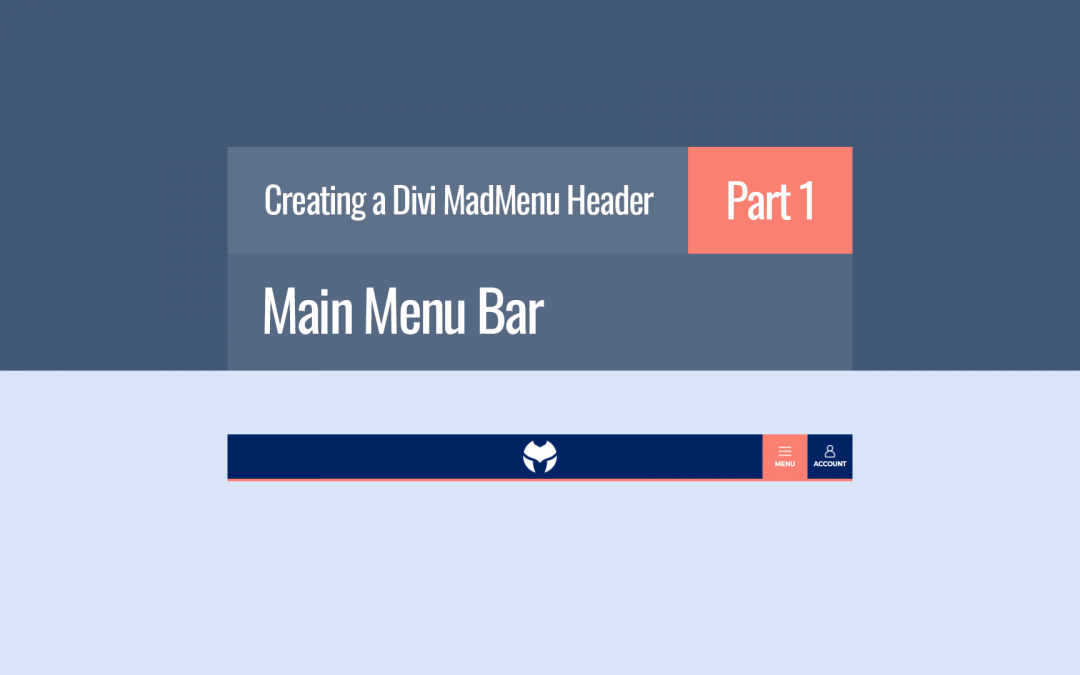
In this tutorial we will create the main menu bar of the Divi MadMenu Header Template #13.
In this tutorial we’ll learn how to export Divi Theme Builder templates from one Divi installation and import into another.
In this tutorial we look into how you can create Fullscreen menus using the Divi MadMenu Header Popups feature. Also we cover an alternative and much more flexible method of creating the popup Close Button.
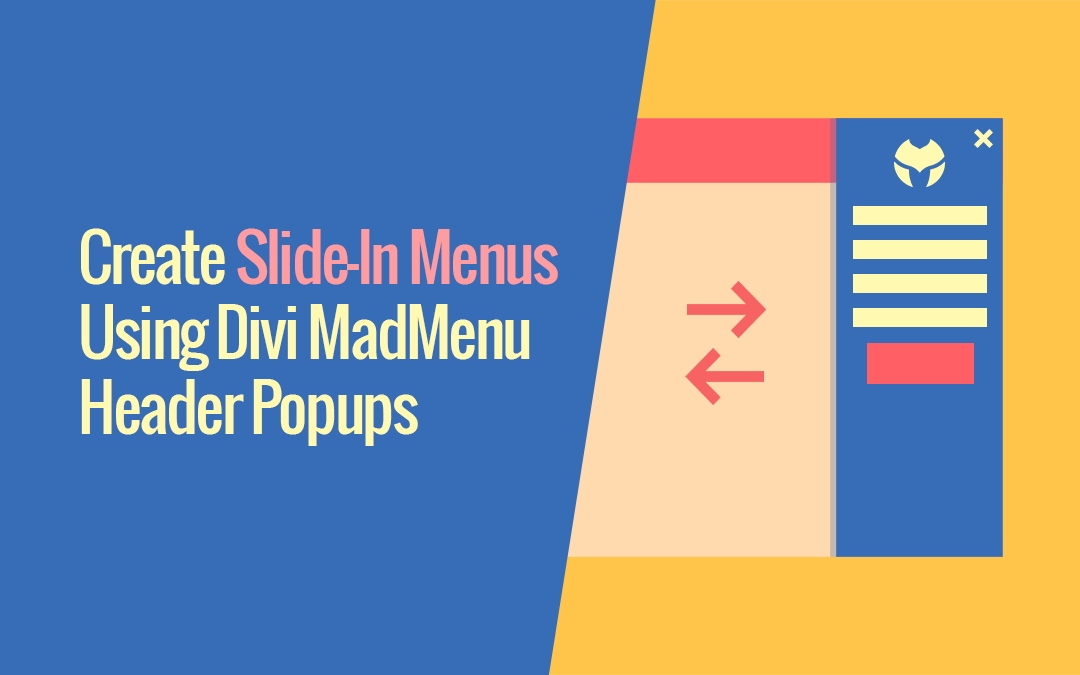
You can easily create Slide-In menus using Divi MadMenu Header Popups feature. It is simply a “popup” with the Slide In and Slide Out animations applied to it, and in this tutorial we will look closer into how you can do that.
Introducing the biggest Divi MadMenu update yet: the Header Popups feature. Add popups to your Divi website header and do a lot more than that!
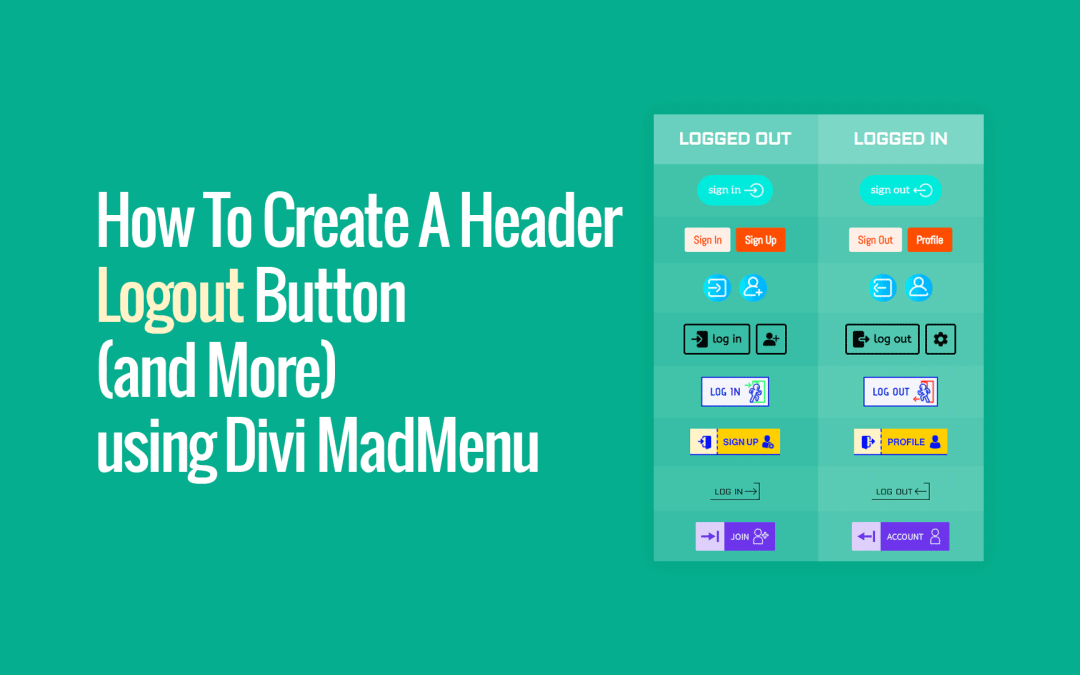
Show different button content to logged in users (eg. ceate a Logout button) using the Divi MadMenu Button’s Authenticated User Content feature
The Divi MadMenu v1.4 released recently adds some very useful new features for the Mobile Menu element.
It’s now possible to change the mobile dropdown menu placement, alignment and min-width, and also make it close on outside click.