

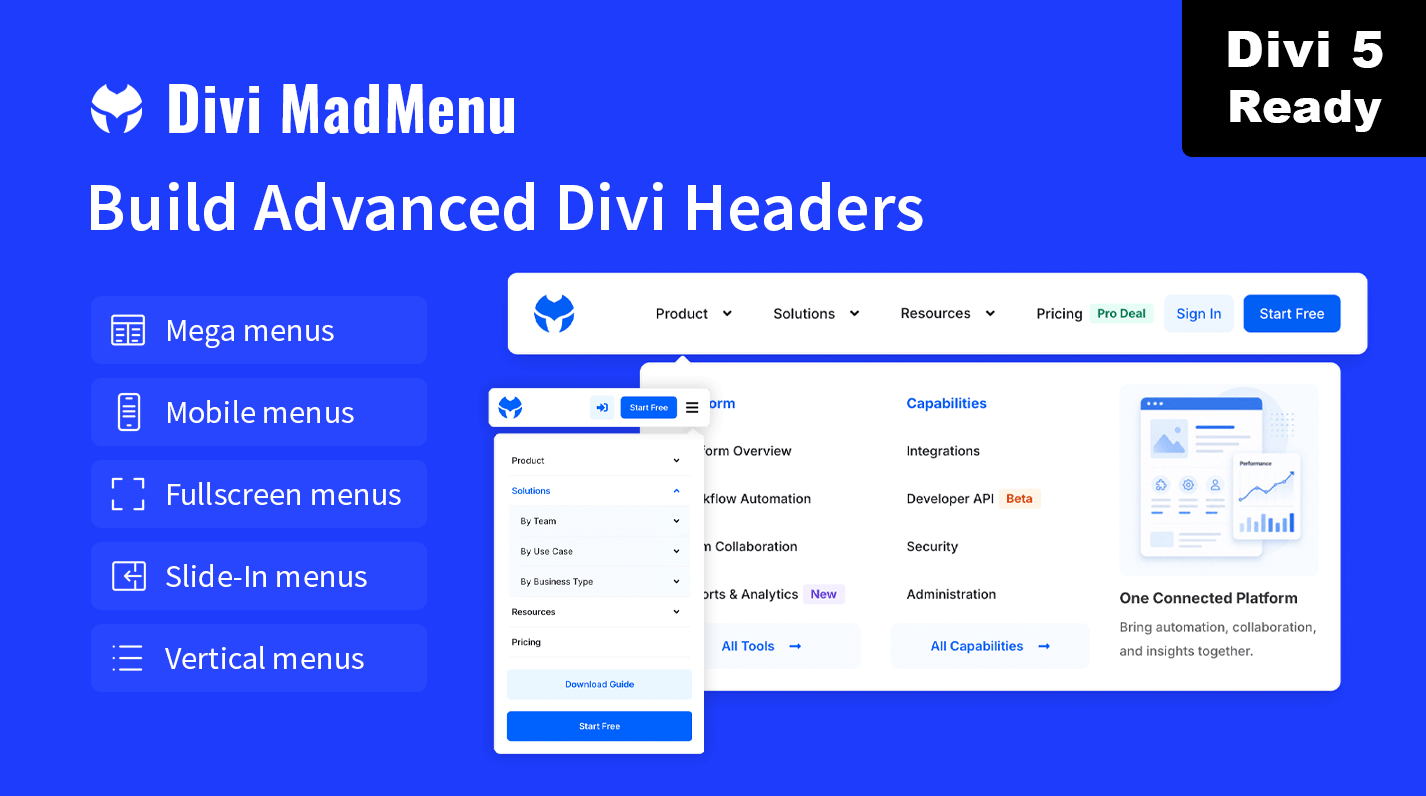
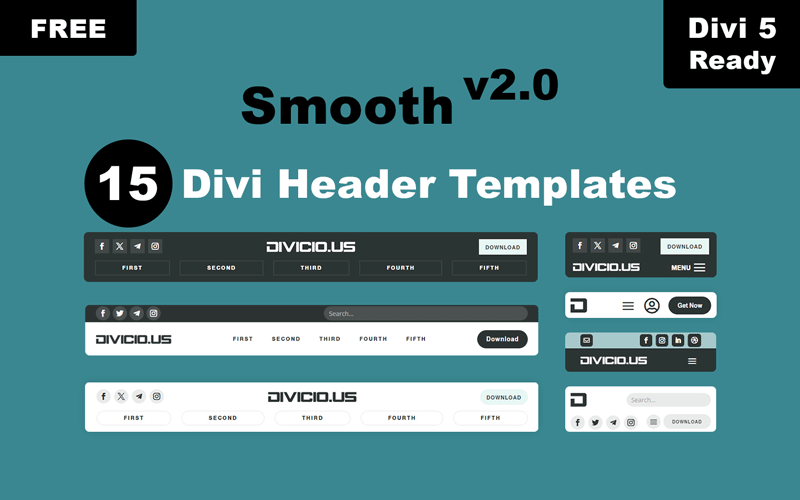
Divi MadMenu includes comprehensive documentation that walks you through every step, so you can create menus using this powerful Divi extension with confidence. To help you move even faster, I’m also offering fully designed Divi MadMenu header layouts that are ready to download and drop straight into your site. Each one is built exclusively with the Divi MadMenu module, and you can preview them in the screenshot below.


These headers have been carefully optimized for desktop, tablet, and phone devices, so they’ll look great no matter how your visitors browse. Once you import a header layout, simply assign your menus, swap in your preferred icons, and tweak the color settings to match your branding. With the structure already in place, you’ll spend less time on setup and more time refining the details, getting your custom Divi header live in just minutes.
How To Download and Install
The Divi MadMenu header layouts are available for download for the buyers of Divi MadMenu, as well as the Annual & Lifetime members.
You can install and edit them the same way as with any other Divi Builder layout. If you’d like a step-by-step walkthrough, go to the documentation for more detailed installation and setup instructions.
Download More Divi MadMenu Header Layouts
Check out also the header template 11 offering a horizontal slide-in menu, and the header template 12, which is a fullscreen menu. Both these headers make use of the header popoups feature of Divi MadMenu, you might like them as well. More header templates coming soon for Divi MadMenu, make sure you're subscribed so that you don't miss the updates.
0 Comments