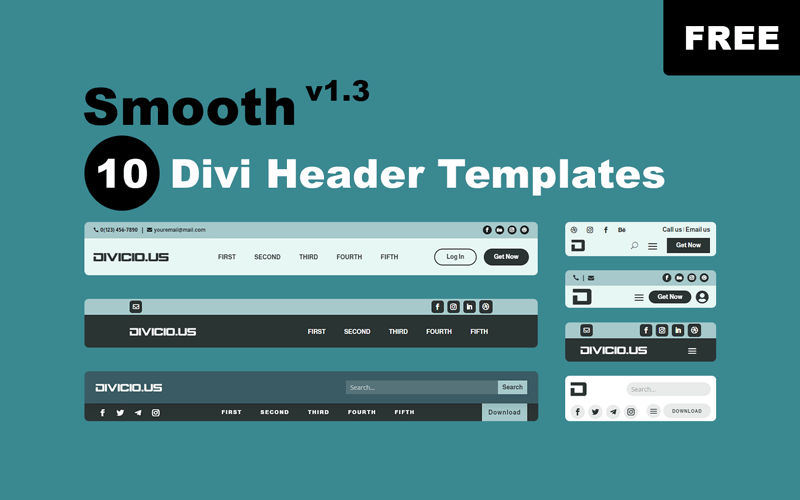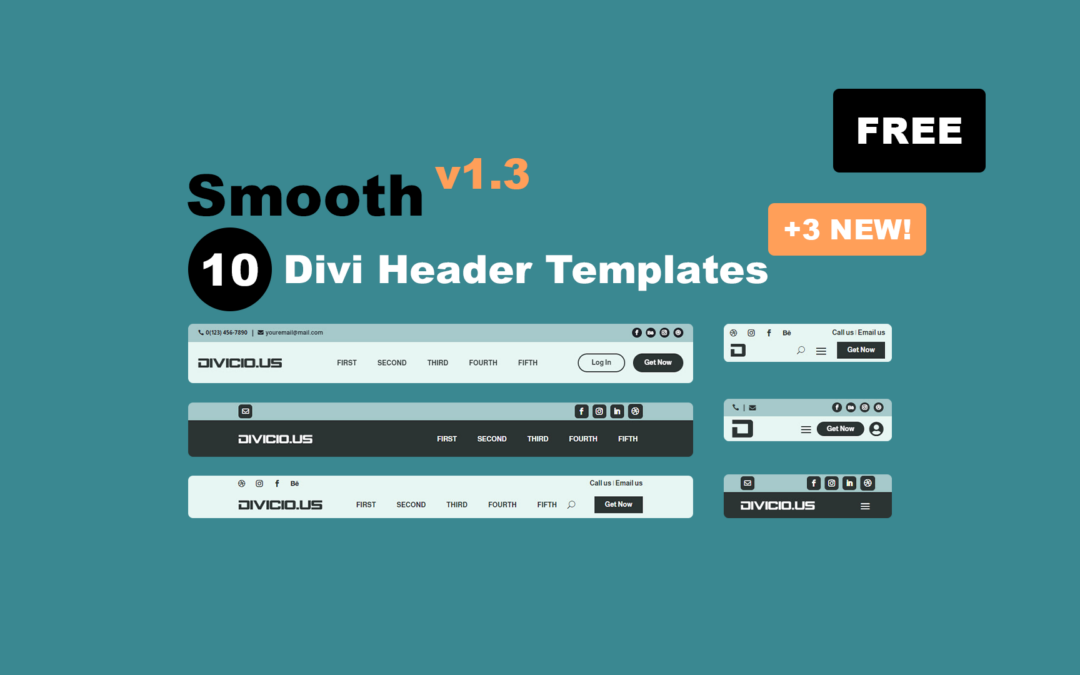
Smooth v1.3: Added 3 New Divi Header Templates (Free Download)
The Smooth Divi Header Templates Pack has just hit the double digits – a perfect 10 headers to choose from! Upgrade your Divi website look effortlessly and for FREE now!

The Smooth Divi Header Templates Pack has just hit the double digits – a perfect 10 headers to choose from! Upgrade your Divi website look effortlessly and for FREE now!
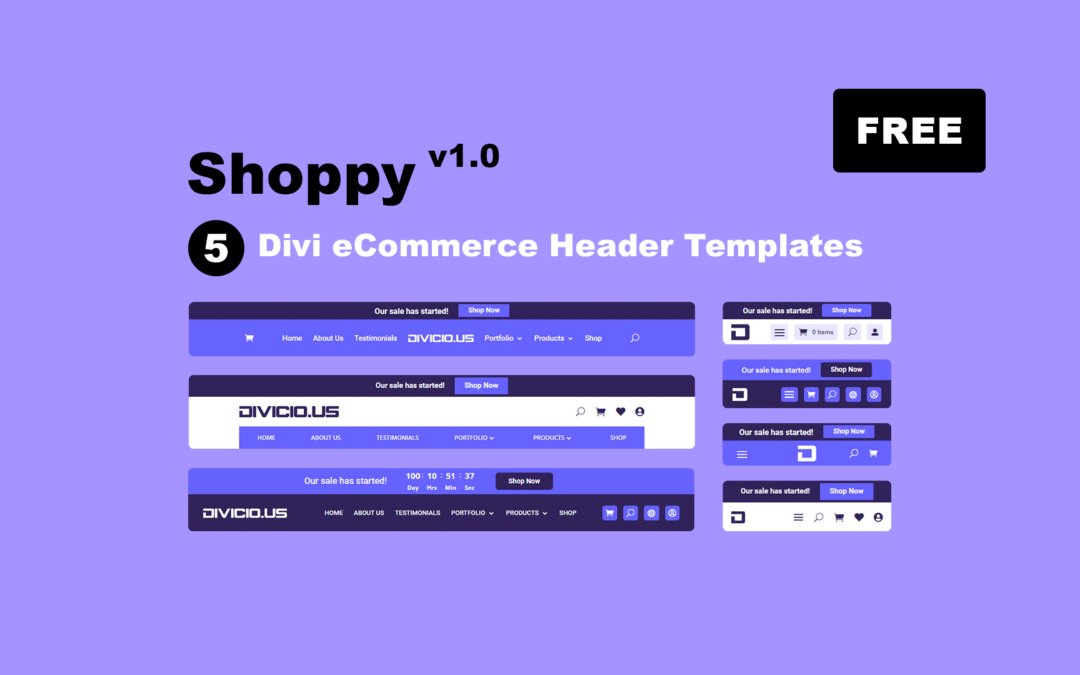
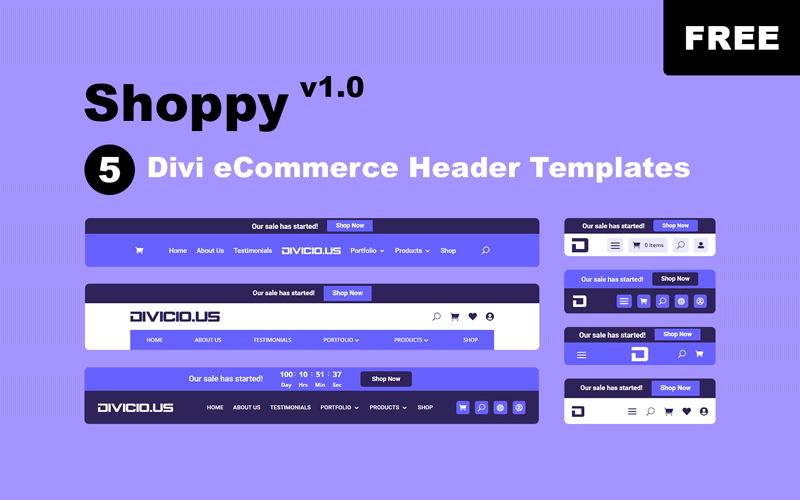
Introducing Shoppy – a FREE Divi eCommerce header templates pack created exclusively for Divi WooCommerce websites. Available to all our subscribers now!
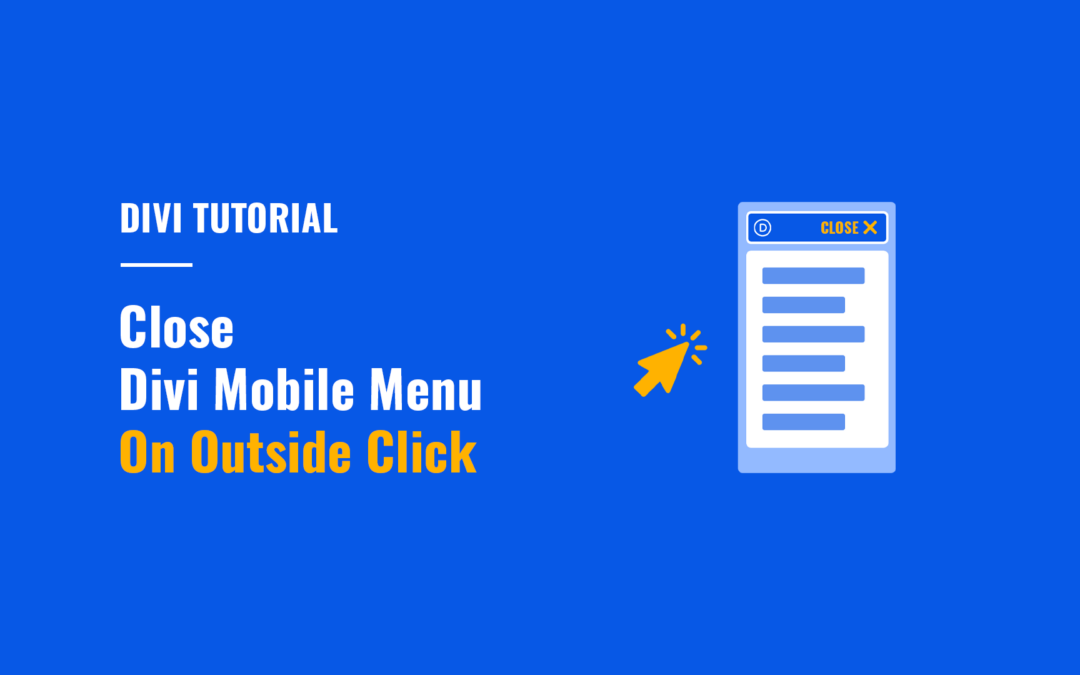
In this tutorial you will learn how to make the Divi mobile menu close automatically when users click outside the mobile menu boundaries.
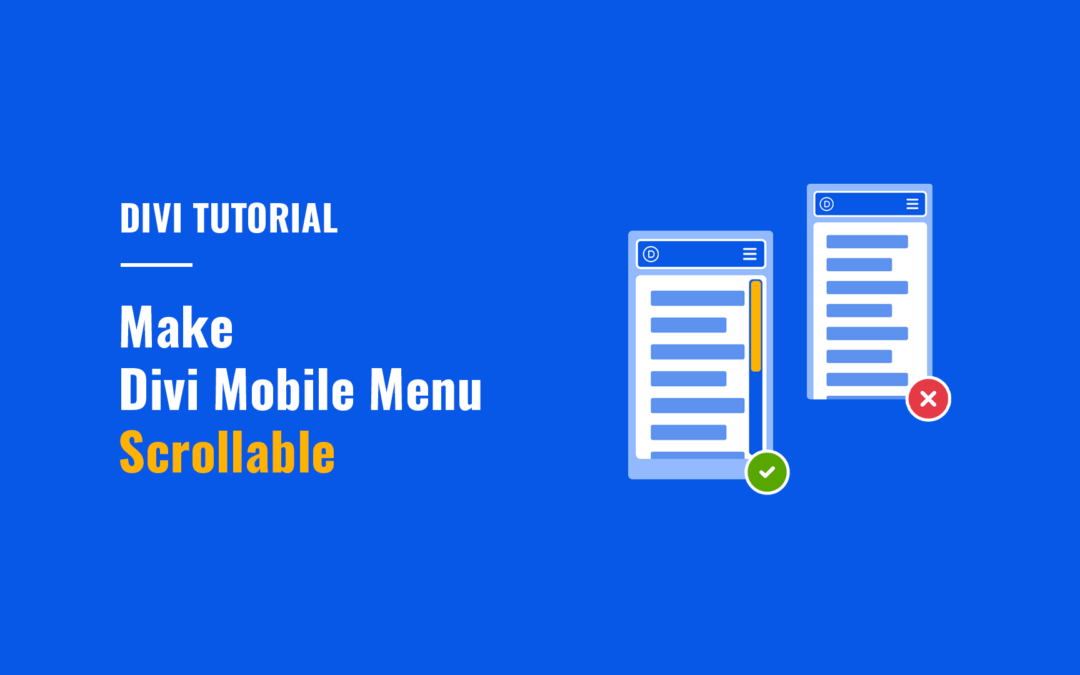
Make Divi mobile menu scrollable vertically so that users can easily access all menu items on mobile.
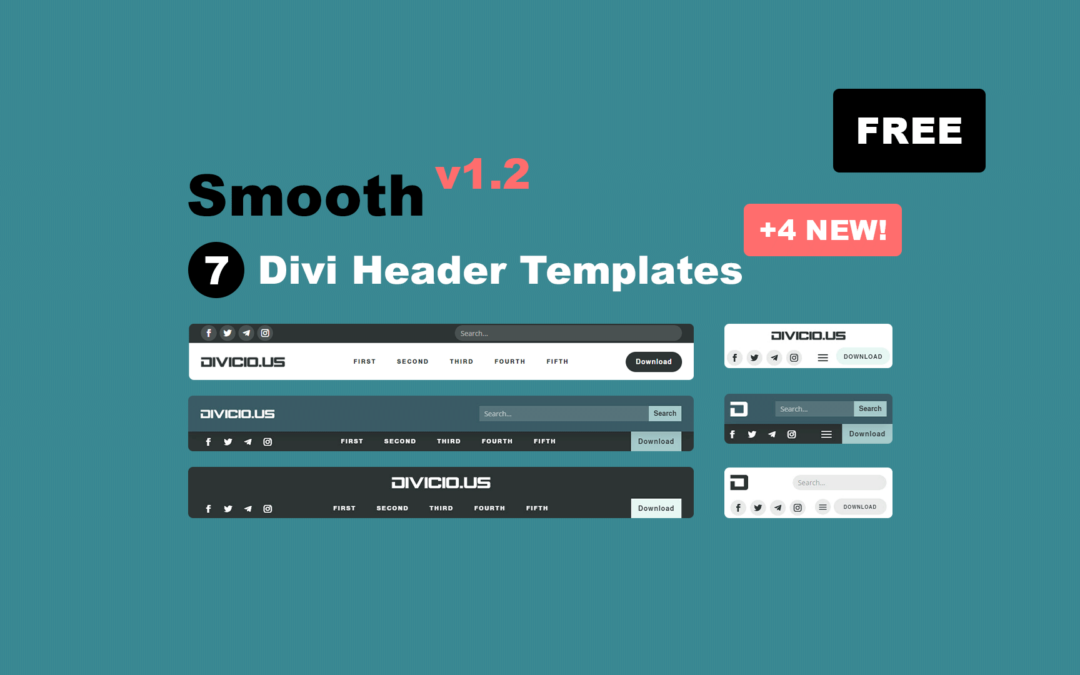
The Smooth Divi Headers Templates Pack has just been updated with 4 new header templates. Upgrade your Divi website header effortlessly and for FREE now!

In this tutorial you’ll learn how to add WooCommerce live search to Divi menus showing live suggestions while users type the search query.
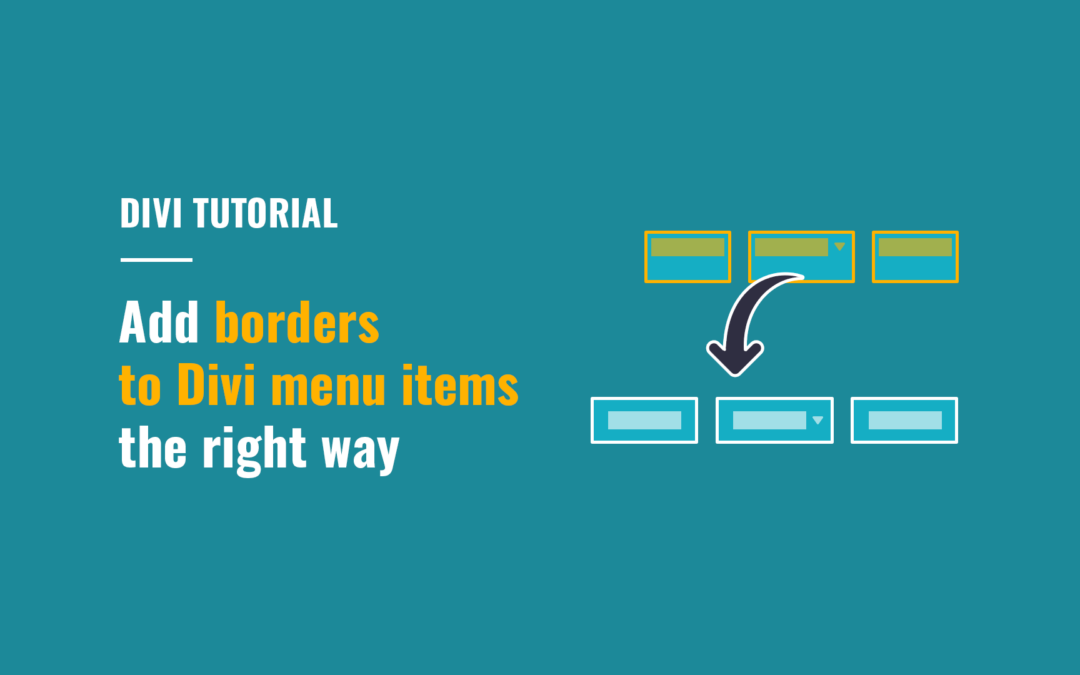
In this tutorial you will learn how to add borders to Divi desktop menu items the right way.
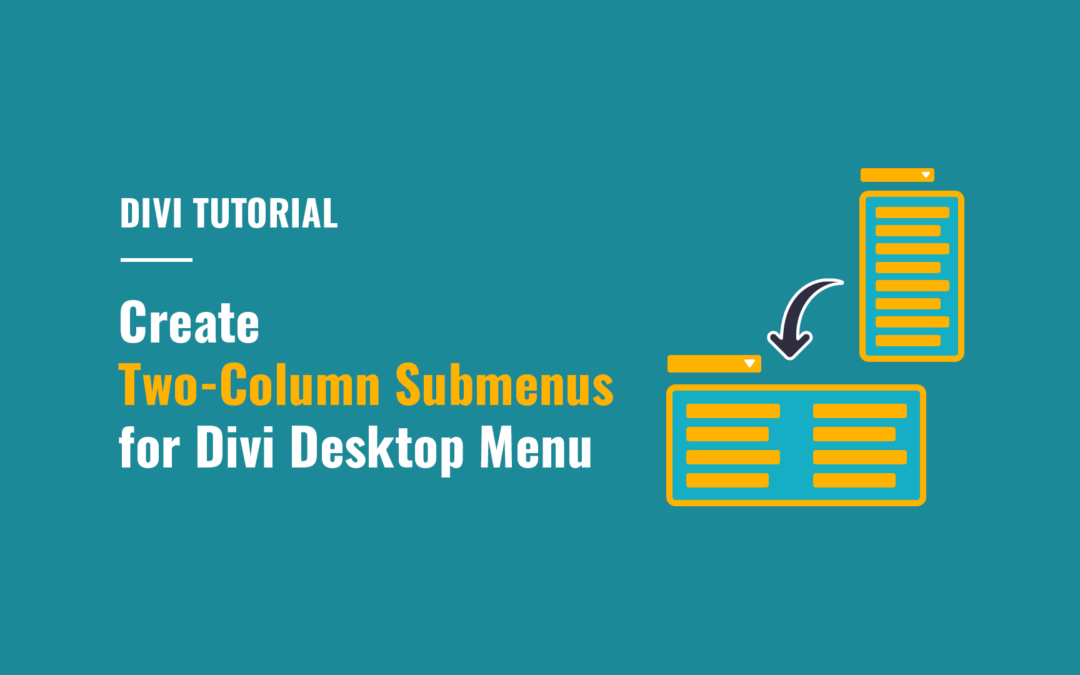
Create two-column submenus for Divi desktop menu to improve usability of lengthy submenus by making them more compact and easier to navigate.
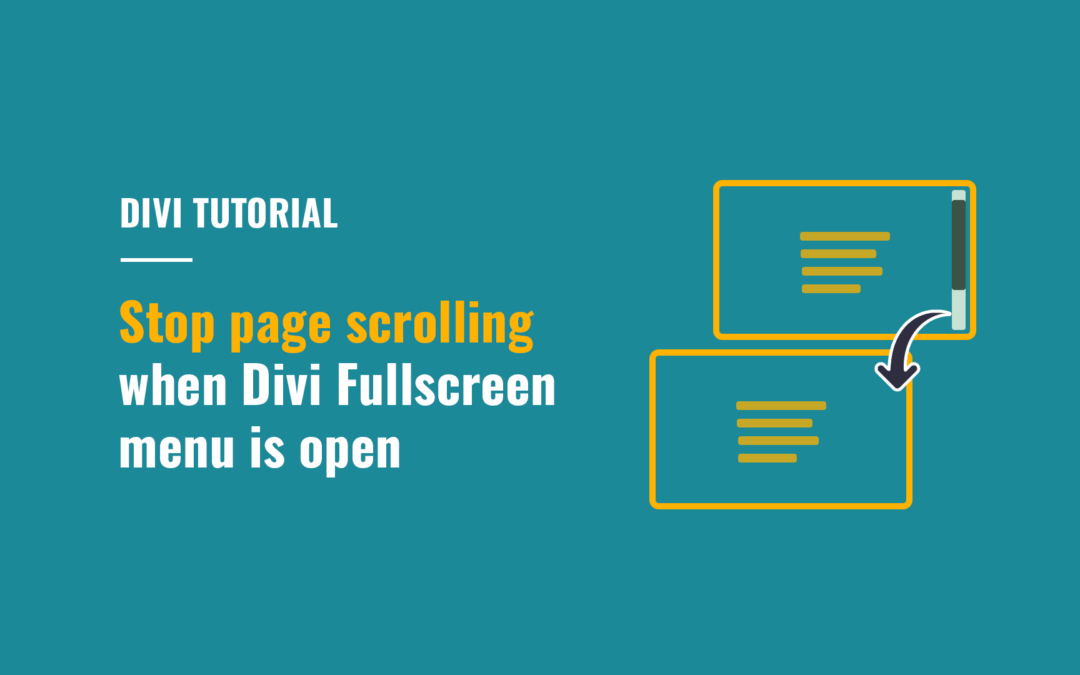
In this short tutorial I’ll show you how to disable page scrolling when you open the Divi Fullscreen or Slide-In menu, as well as the menus created using Divi MadMenu header popups.
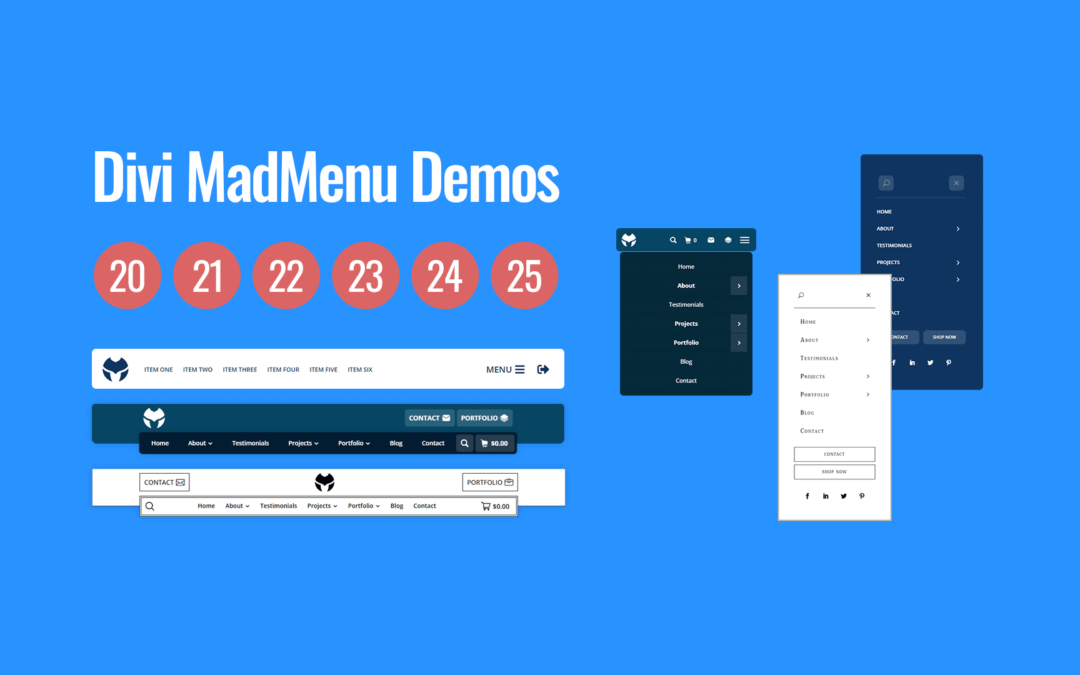
Download 6 New Divi MadMenu Header Templates and Start Using Them Now!