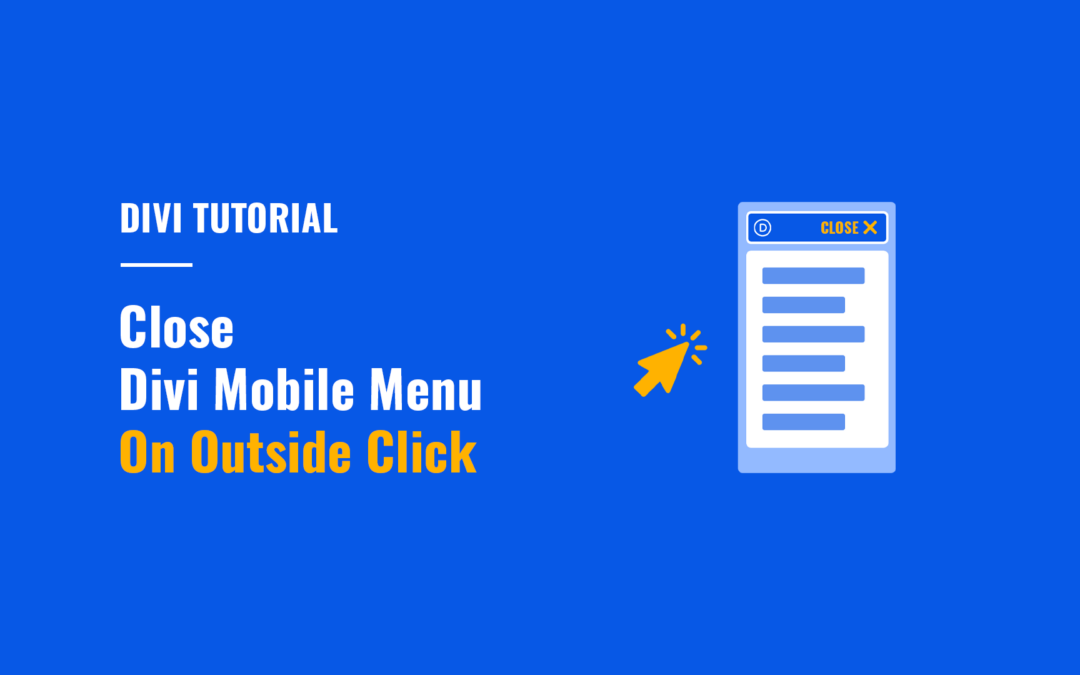
How to Close Divi Mobile Menu On Outside Click
In this tutorial you will learn how to make the Divi mobile menu close automatically when users click outside the mobile menu boundaries.

In this tutorial you will learn how to make the Divi mobile menu close automatically when users click outside the mobile menu boundaries.
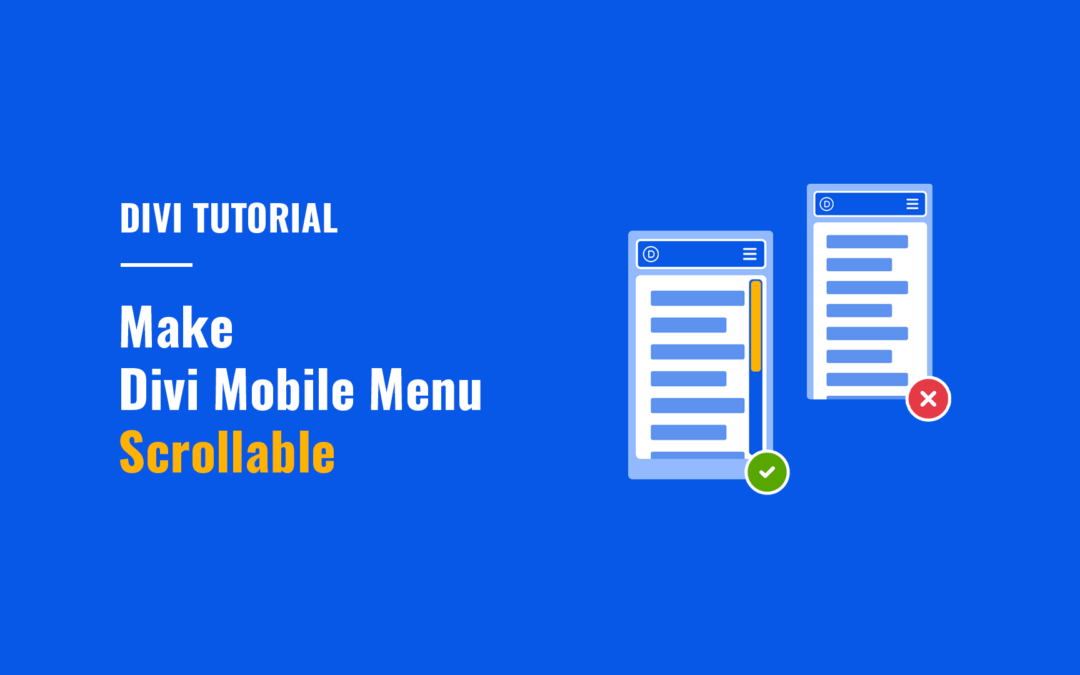
Make Divi mobile menu scrollable vertically so that users can easily access all menu items on mobile.

In this tutorial you’ll learn how to add WooCommerce live search to Divi menus showing live suggestions while users type the search query.
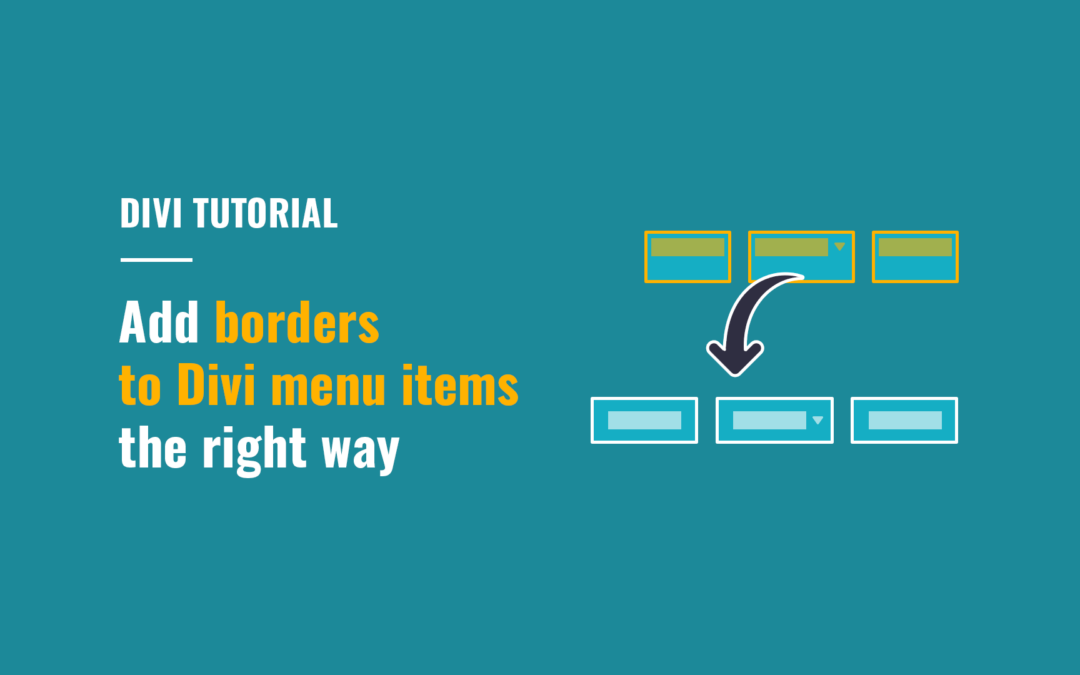
In this tutorial you will learn how to add borders to Divi desktop menu items the right way.
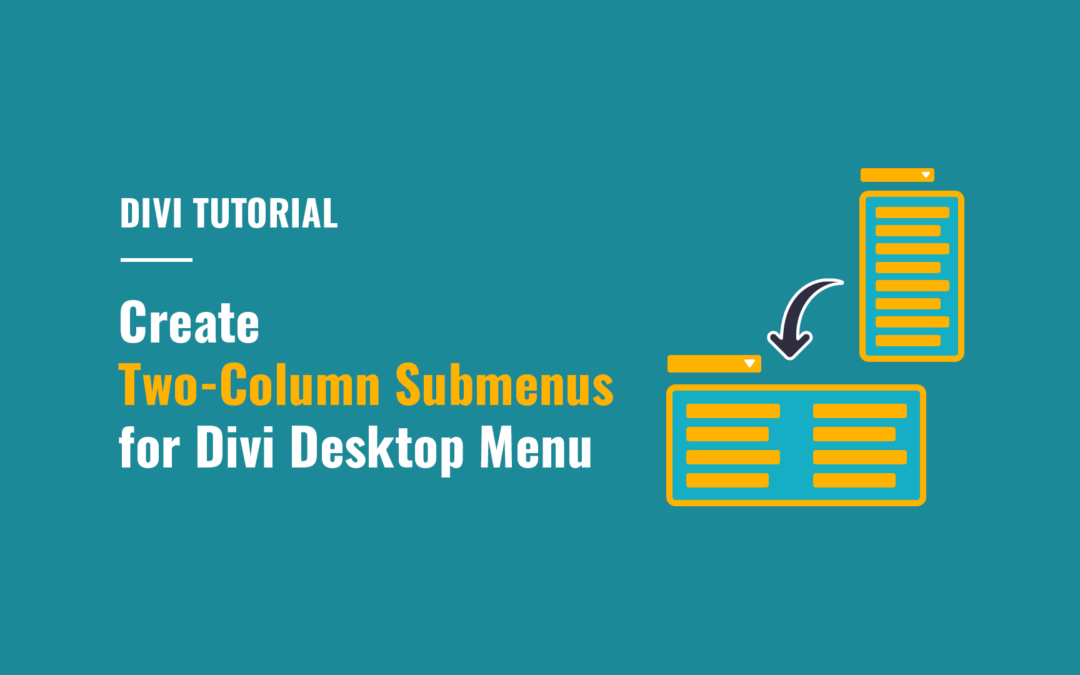
Create two-column submenus for Divi desktop menu to improve usability of lengthy submenus by making them more compact and easier to navigate.
In this short tutorial I’ll show you how to disable page scrolling when you open the Divi Fullscreen or Slide-In menu, as well as the menus created using Divi MadMenu header popups.
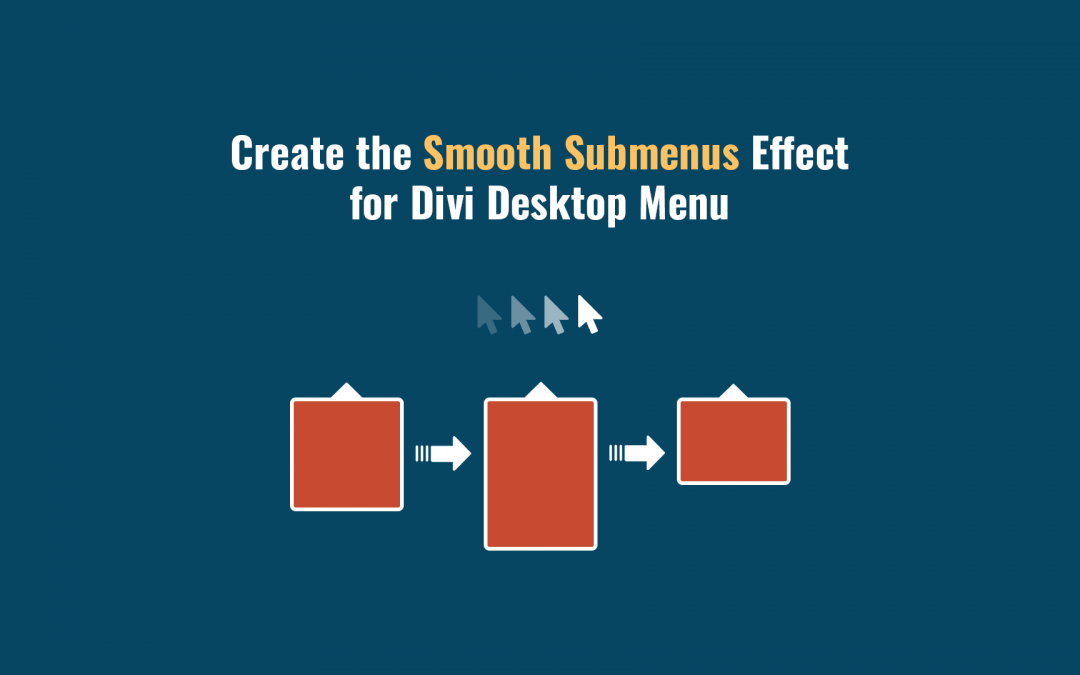
In this tutorial we’ll be creating the smooth submenus hover effect for Divi desktop menu submenus.
In this tutorial we look into how you can create Fullscreen menus using the Divi MadMenu Header Popups feature. Also we cover an alternative and much more flexible method of creating the popup Close Button.
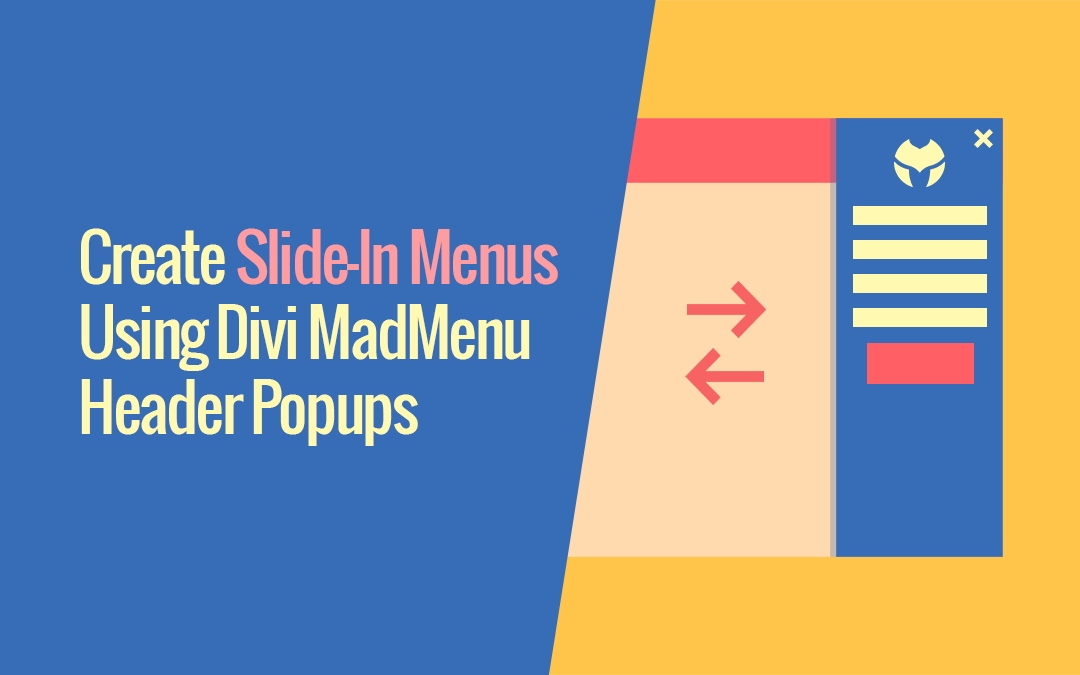
You can easily create Slide-In menus using Divi MadMenu Header Popups feature. It is simply a “popup” with the Slide In and Slide Out animations applied to it, and in this tutorial we will look closer into how you can do that.
Introducing the biggest Divi MadMenu update yet: the Header Popups feature. Add popups to your Divi website header and do a lot more than that!