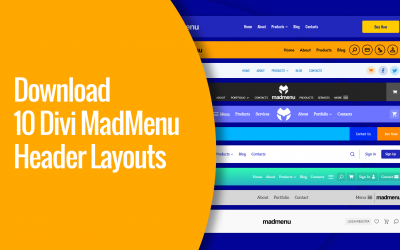
Divi MadMenu Layout Settings allow changing the elements ordering, set their column width and alignment, and align the element content both vertically and horizontally. Also you can control the visibility of both Desktop and Mobile menus by adjusting their breakpoints.
Search Results
Divi MadMenu Sneak Peek: The Most Advanced Divi Menu Module Coming Soon!
In this post I would like to present the new Divi menu module I have been working on for the last couple of months – the Divi MadMenu, which will be launching soon. This module allows creating headers using the Divi Theme Builder, and here is a brief demonstration of some of the features it comes with.
Download a Digital Agency Mega Menu Header Template for Divi 5
Download a ready-made digital agency mega menu header template for Divi, built with Divi 5 native modules and Divi MadMenu.
How To Highlight Active Menu Items on Scroll in Divi
Highlight active menu items on scroll in Divi for improved navigation helping users instantly see which section of the page they’re viewing.
How To Add Animated Underline Effect To Divi Menu Items
In this tutorial you will learn how to add animated underline effect to Divi menu items on hover.
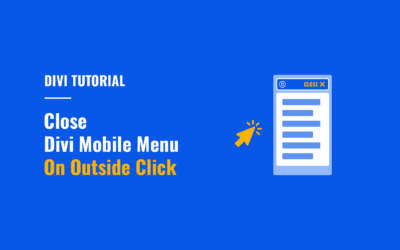
How to Close Divi Mobile Menu On Outside Click
In this tutorial you will learn how to make the Divi mobile menu close automatically when users click outside the mobile menu boundaries.
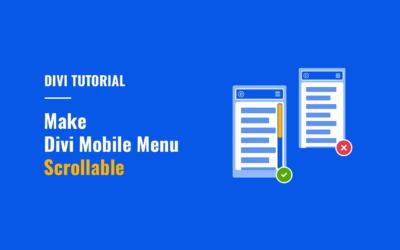
How To Make Divi Mobile Menu Scrollable
Make Divi mobile menu scrollable vertically so that users can easily access all menu items on mobile.
How To Add WooCommerce Live (AJAX) Search To Divi Menus
In this tutorial you’ll learn how to add WooCommerce live (AJAX) search to Divi menus showing live suggestions while users type the search query.
How To Add Borders To Divi Menu Items
In this tutorial you will learn how to add borders to Divi desktop menu items the right way.
How To Create Two-Column Submenus For Divi Desktop Menu
Create two-column submenus for Divi desktop menu to improve usability of lengthy submenus by making them more compact and easier to navigate.
Disable Page Scrolling When Divi Fullscreen Menu Is Open
In this short tutorial I’ll show you how to disable page scrolling when you open the Divi Fullscreen or Slide-In menu, as well as the menus created using Divi MadMenu header popups.
Create The Smooth Submenus Effect For Divi Desktop Menu
In this tutorial we’ll be creating the smooth submenus hover effect for Divi desktop menu submenus.